Your laser isn’t just for big projects. With a stainless steel coaster, LightBurn and a smart wooden positioning jig, you can make a unique, personalised gift in under an hour. Below I walk through the entire process step by step — including all LightBurn settings.
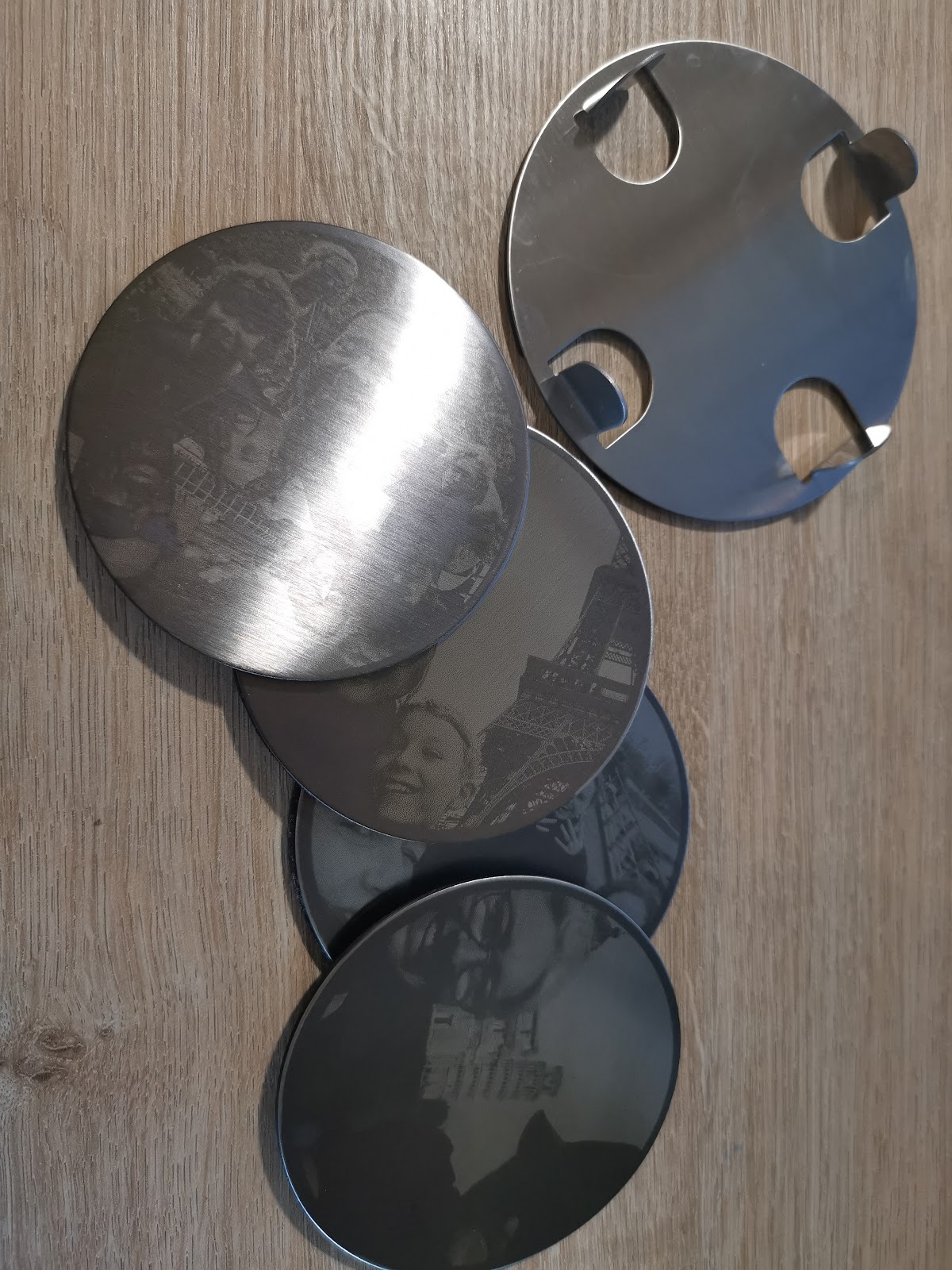
What do you need?
For this project I used:
- Sculpfun S30 Pro Max (or comparable diode laser engraver)
- Stainless steel coasters (round, ~8.5 cm diameter)
- A piece of plywood or MDF as jig material
- LightBurn software
- A photo of your choice (black and white works best)
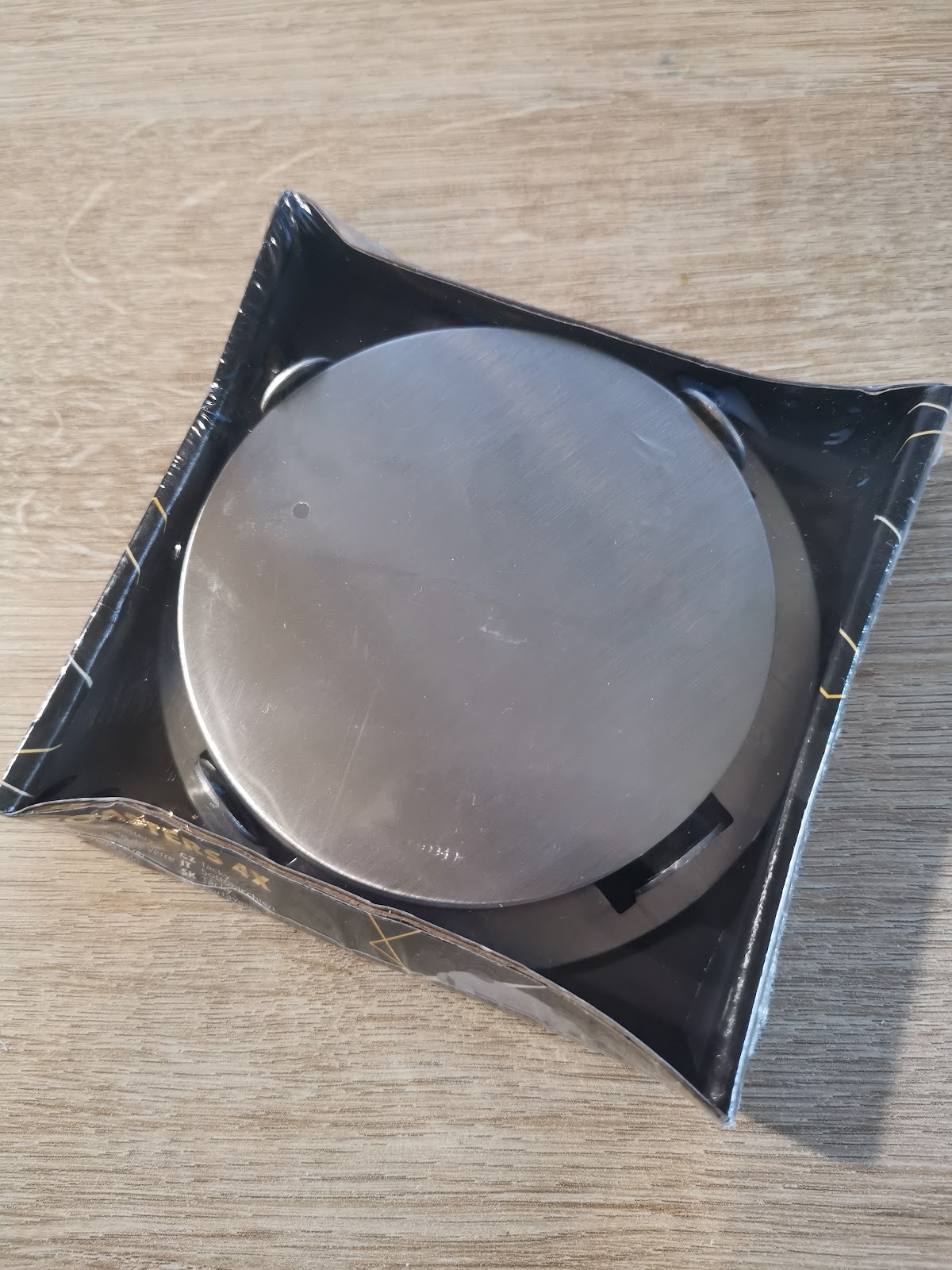
Step 1: Measure the coaster
Before setting anything up in LightBurn, measure the exact diameter of your coaster. In my case it was 8.5 cm. You use this measurement to draw the placeholder circle and engrave zone to the exact right size. Use a ruler or calliper for the most accurate reading.
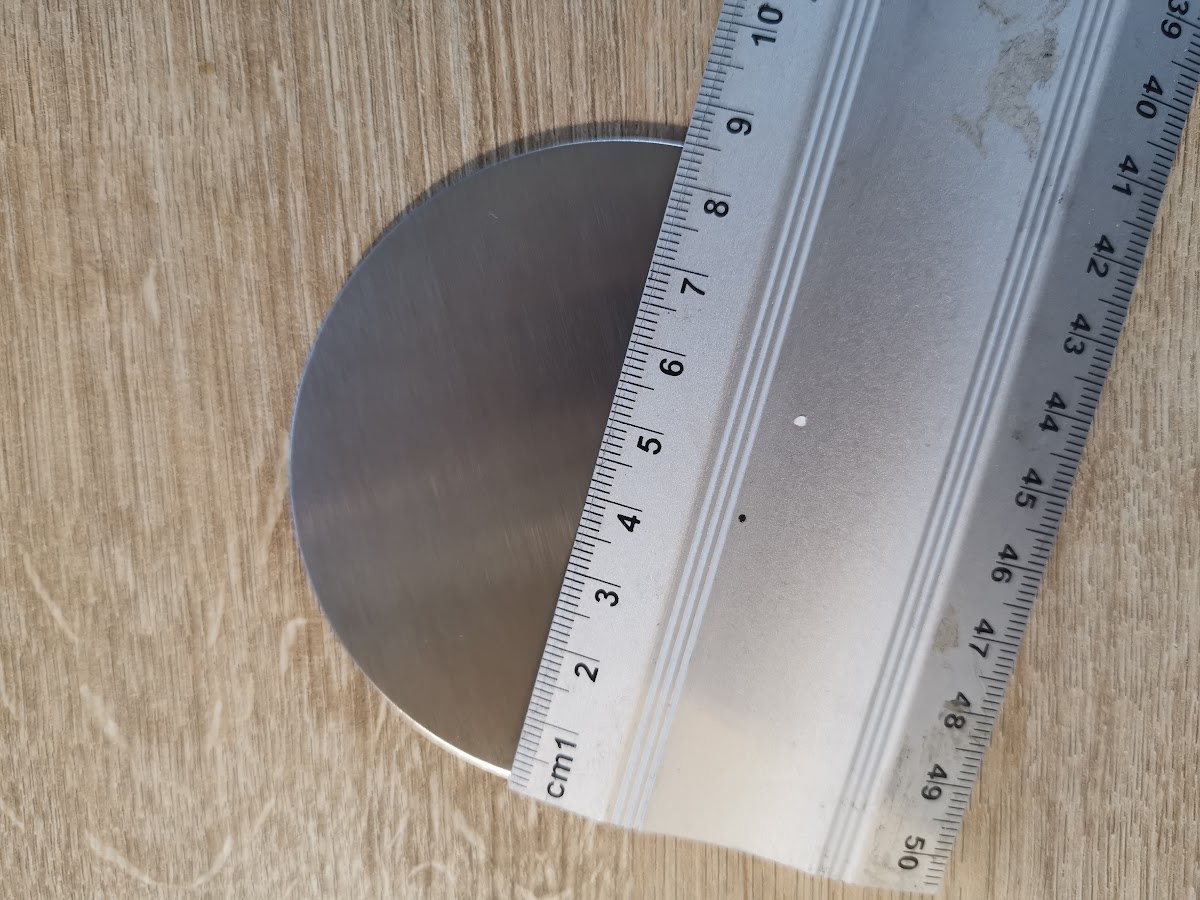
💡 Tip: Measure along the outer edge of the coaster. Most stainless steel coasters have a small rim at the bottom — it’s better to engrave a few millimetres smaller to avoid that rim.
Step 2: Focus the laser
Place a piece of plywood or MDF on the laser bed. This will become your jig later. Set the laser to the correct focus height using the included focus pin or block. The laser is correctly focused when the tip of the focus pin just touches the surface.
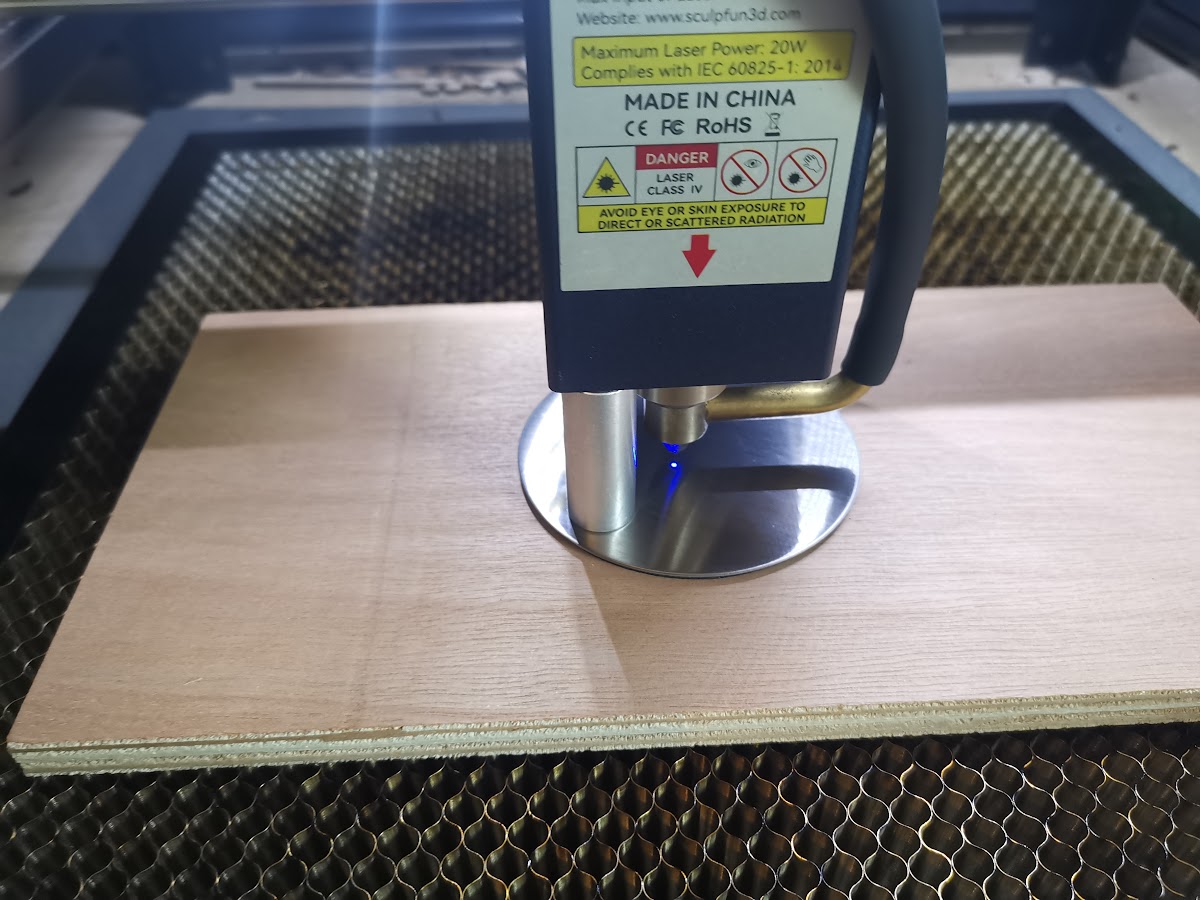
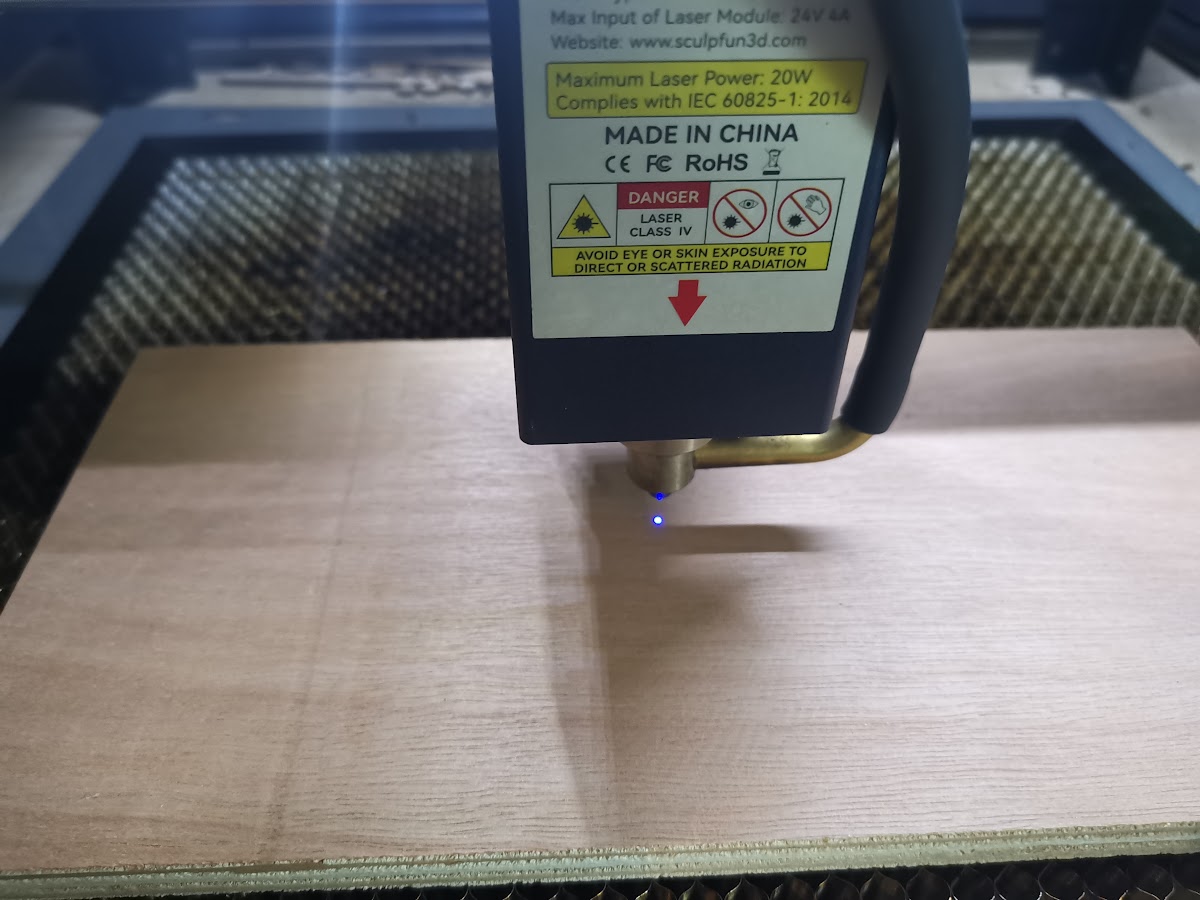
💡 Tip: Use the same thickness of material for your jig as you plan to work with, or make sure the thickness exactly matches. Otherwise the focus height won’t be correct once the coaster is placed inside.
Step 3: Draw the placeholder circle in LightBurn
Open LightBurn and create a new file. Draw a circle with the exact diameter of your coaster (8.5 cm = 85 mm). Place this circle on a Line layer — this is the layer that burns the jig outline into the wood. Use settings that just barely mark the wood: a light scorch is enough to serve as a guide. Or high power but at a very high speed, as I do.
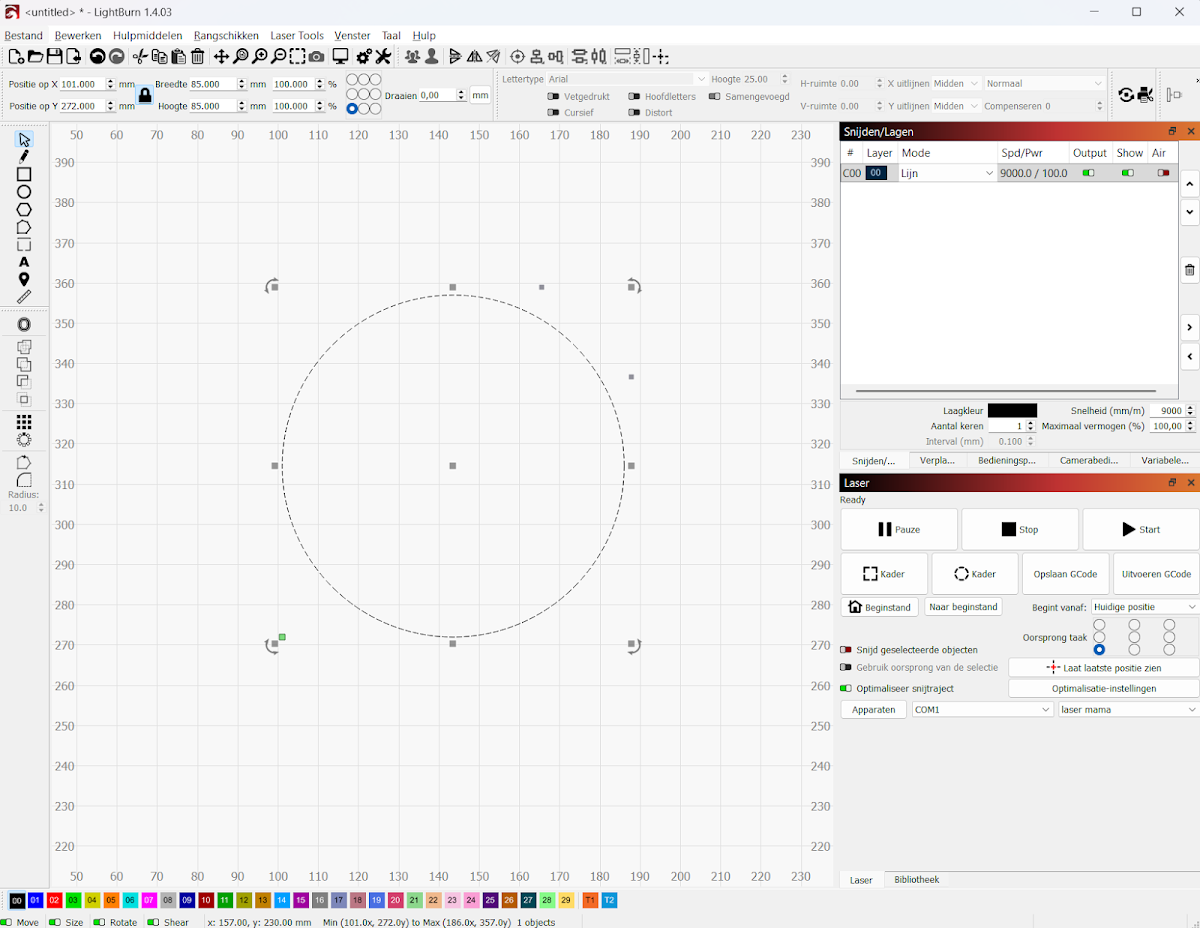
💡 Tip: Save this LightBurn file as “coaster-jig.lbrn”. You reuse it every time you want to engrave a new coaster — no need to redraw or realign.
Step 4: Burn the jig into the wood
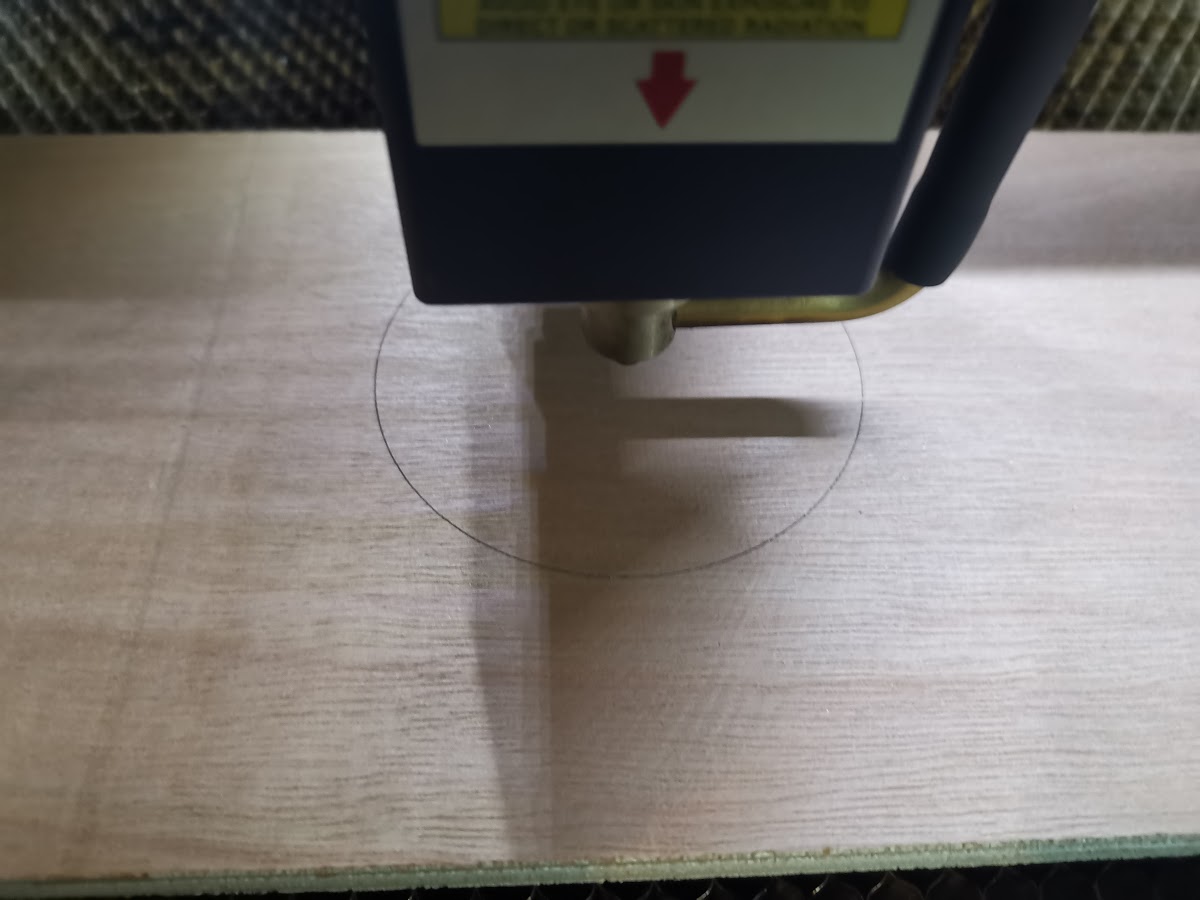
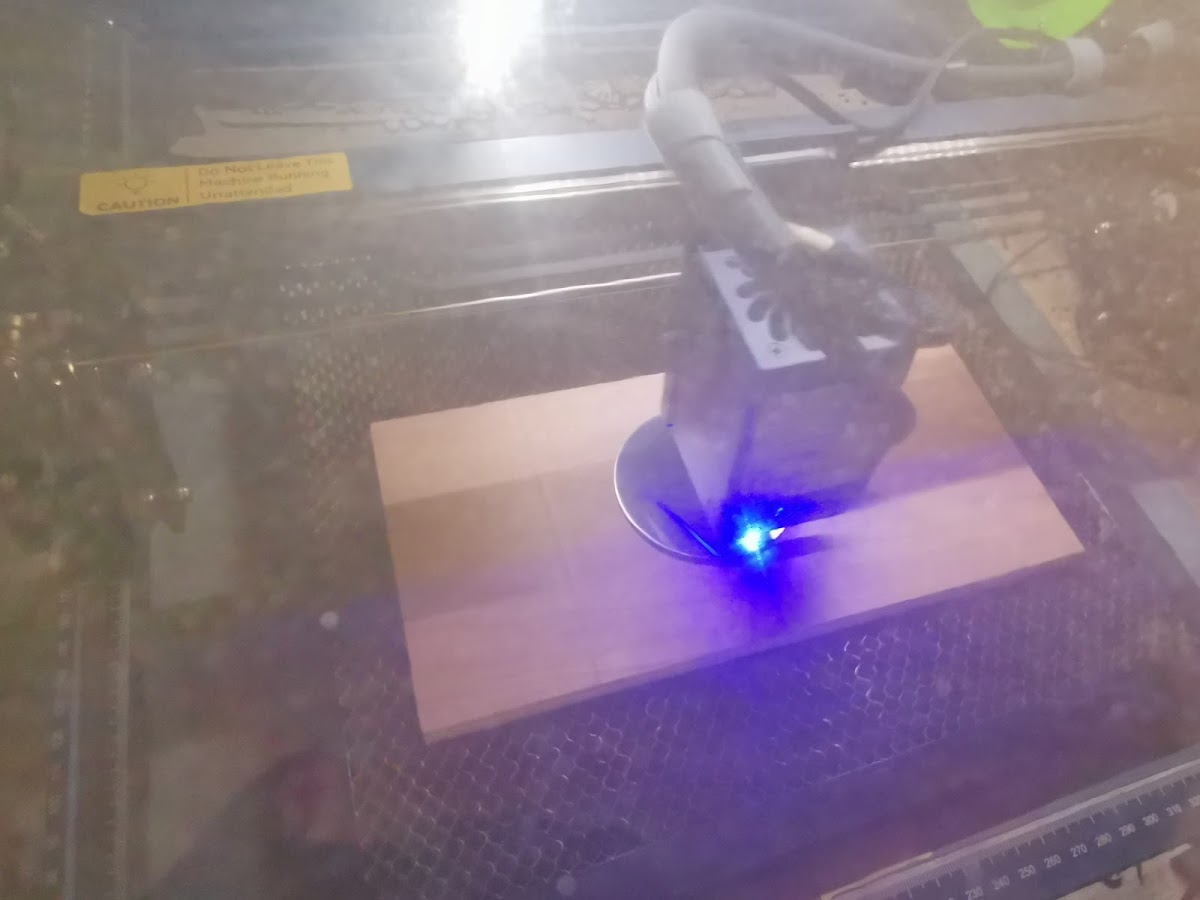
Connect the laser, link LightBurn via USB or WiFi and click Start. The laser burns a light circle into the wood. This circle is the exact outer size of your coaster. The wood only scorches very lightly — that’s intentional. You only want a visual guide, not a deep groove.
Step 5: Place the coaster in the jig
Place the stainless steel coaster inside the engraved circle on the wood. The coaster fits exactly and can no longer shift. This means every engraving is automatically centred, even when engraving multiple coasters in a row.
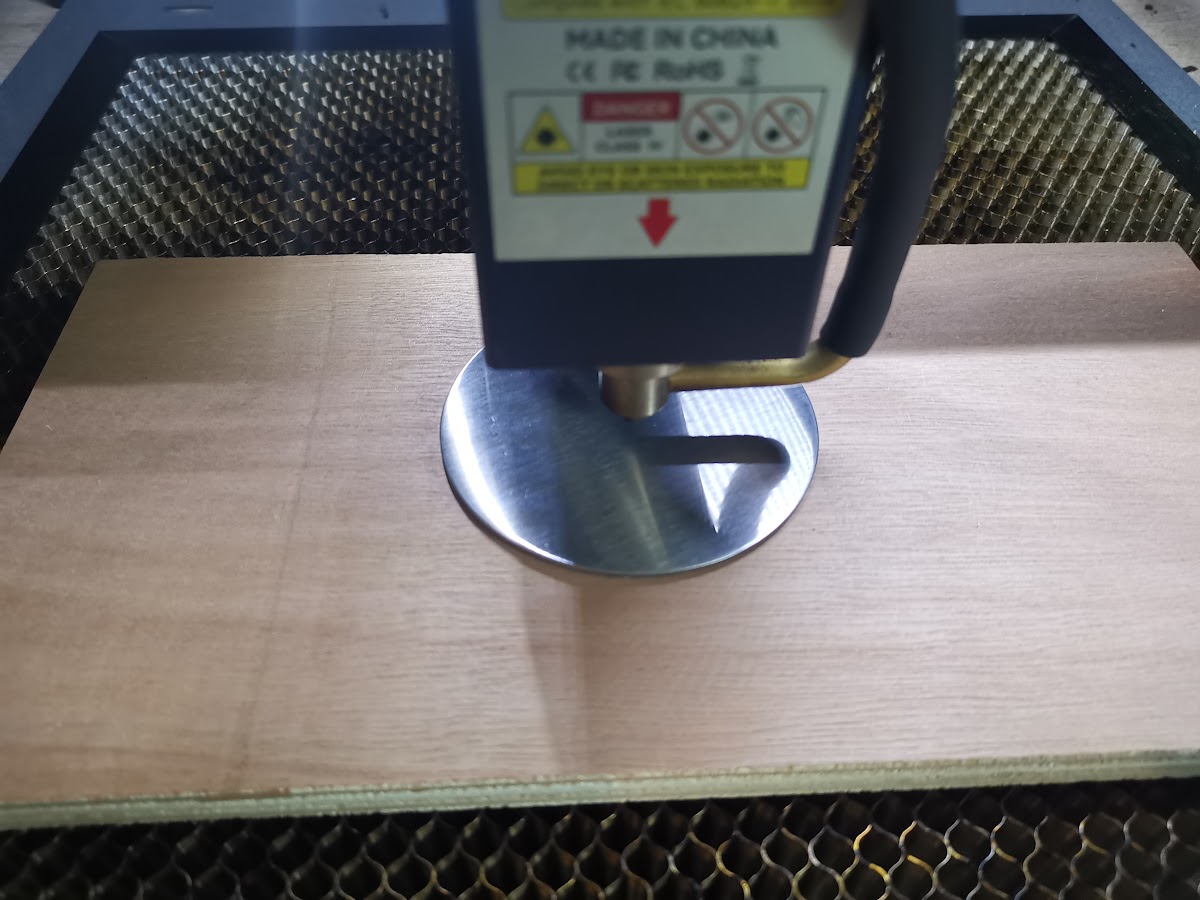
💡 Tip: Engraving multiple coasters of the same size? Don’t remove the jig between runs. Just drop the next coaster in and restart the engraving. This way you can work through a whole set incredibly fast.
Step 6: Set up the photo in LightBurn
Now add your photo to the LightBurn file. Import the image via File → Import Image and drag it into the circle. Resize the image to match the circle and centre it. Place the photo on a separate Image layer. Hide the Line layer (the jig circle) so it doesn’t engrave along with the photo.
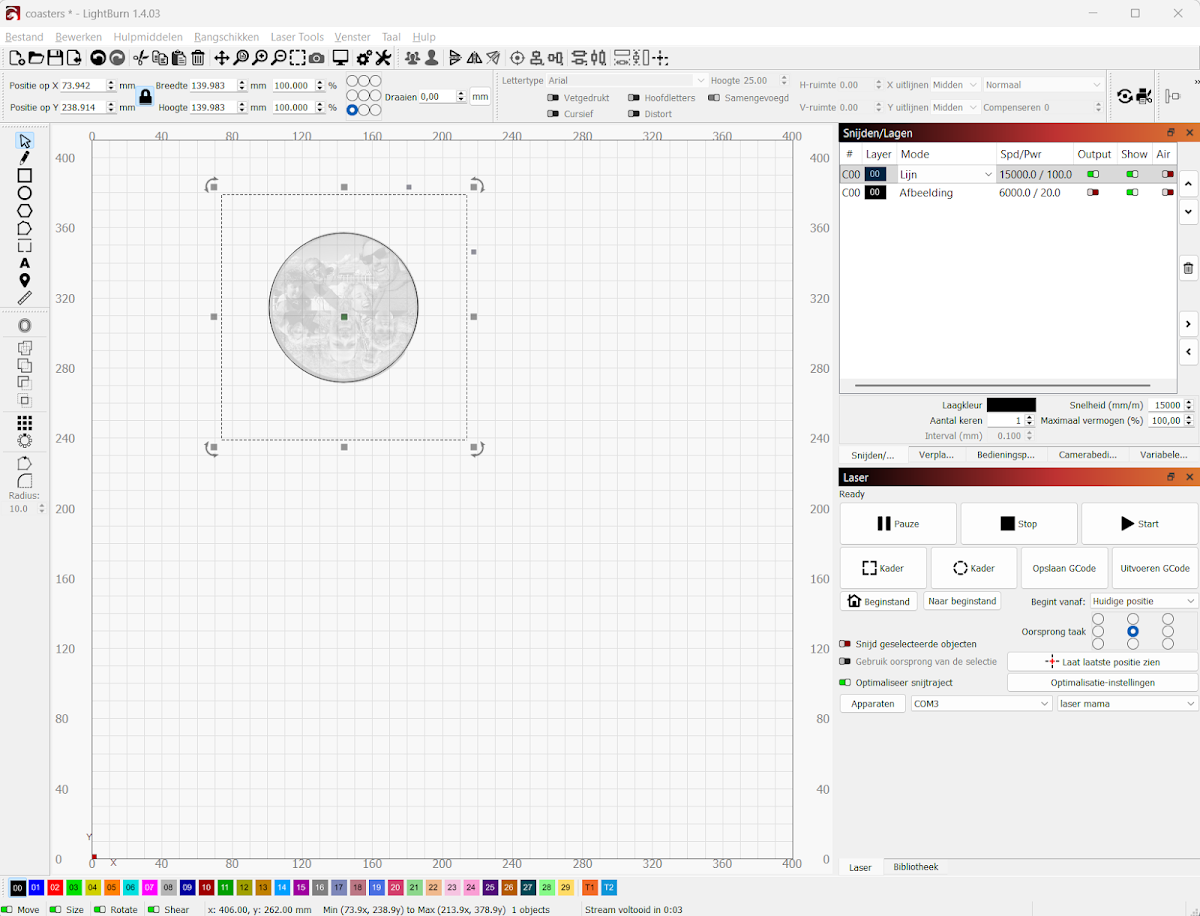
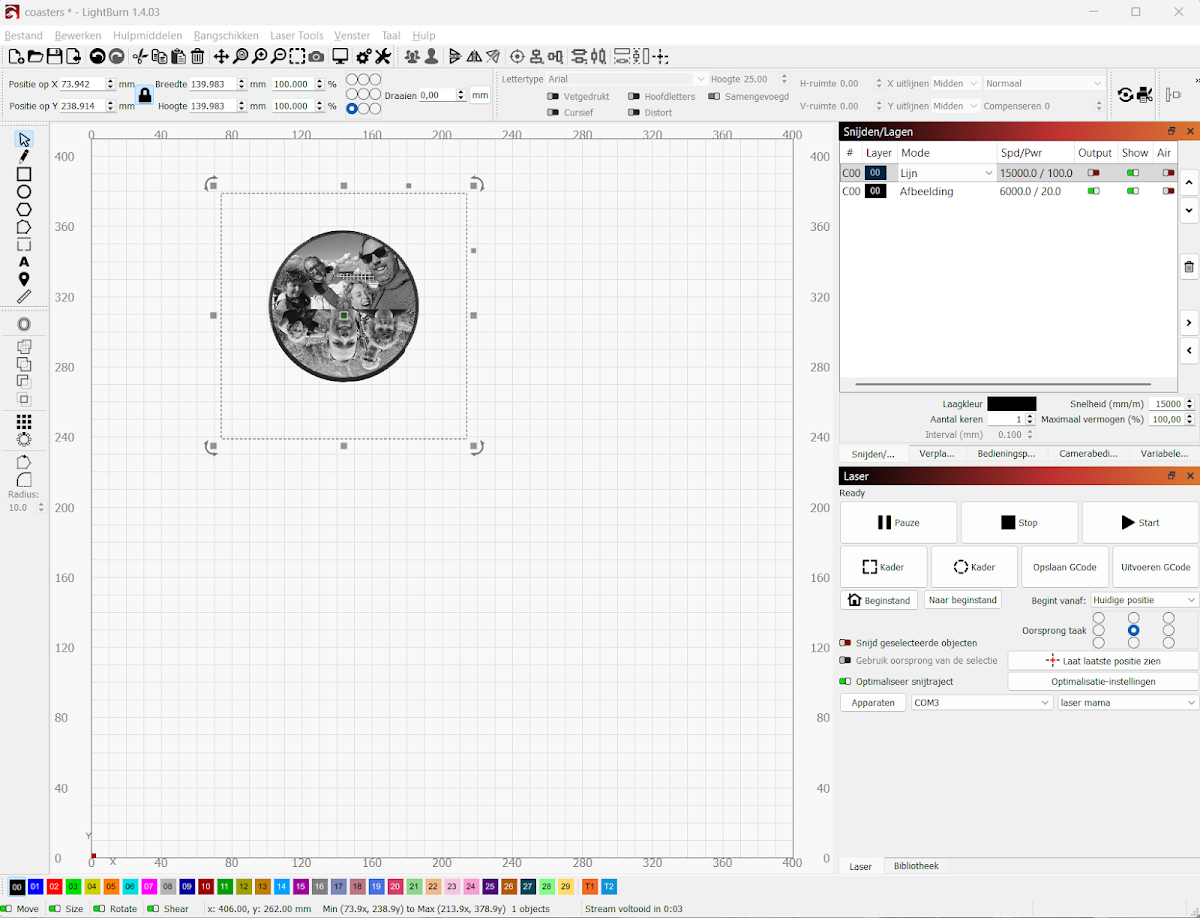
Final settings for stainless steel:
| Layer | Type | Speed | Power | Passes | Interval |
|---|---|---|---|---|---|
| C00 — Outline | Line | 14500 mm/min | 100% | 1 | — |
| C01 — Photo | Image | 2000 mm/min | 100% | 1 | 0.10 mm |
💡 Tip: Convert your photo to greyscale before importing. LightBurn can do this too via the image settings, but pre-processing gives you more control over contrast and brightness.
Step 7: Engrave
Close the enclosure lid, put on your laser safety glasses and click Start. Depending on the image and settings, a full engraving on a ~8.5 cm coaster takes between 15 and 30 minutes. Follow the progress via the progress bar in LightBurn.
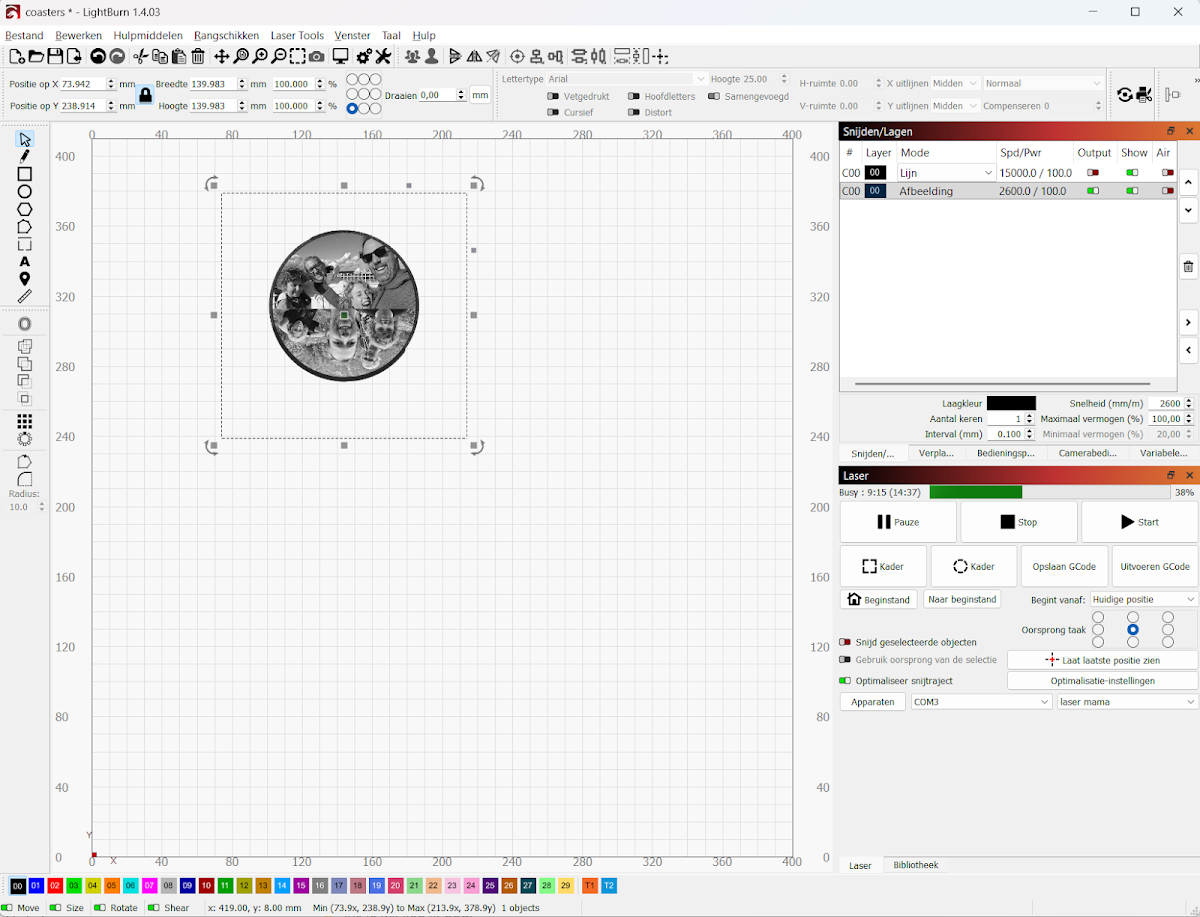
💡 Tip: Do NOT use an air pump (air assist) if you have one — it keeps the surface cleaner and improves contrast on stainless steel engravings.
The finished result
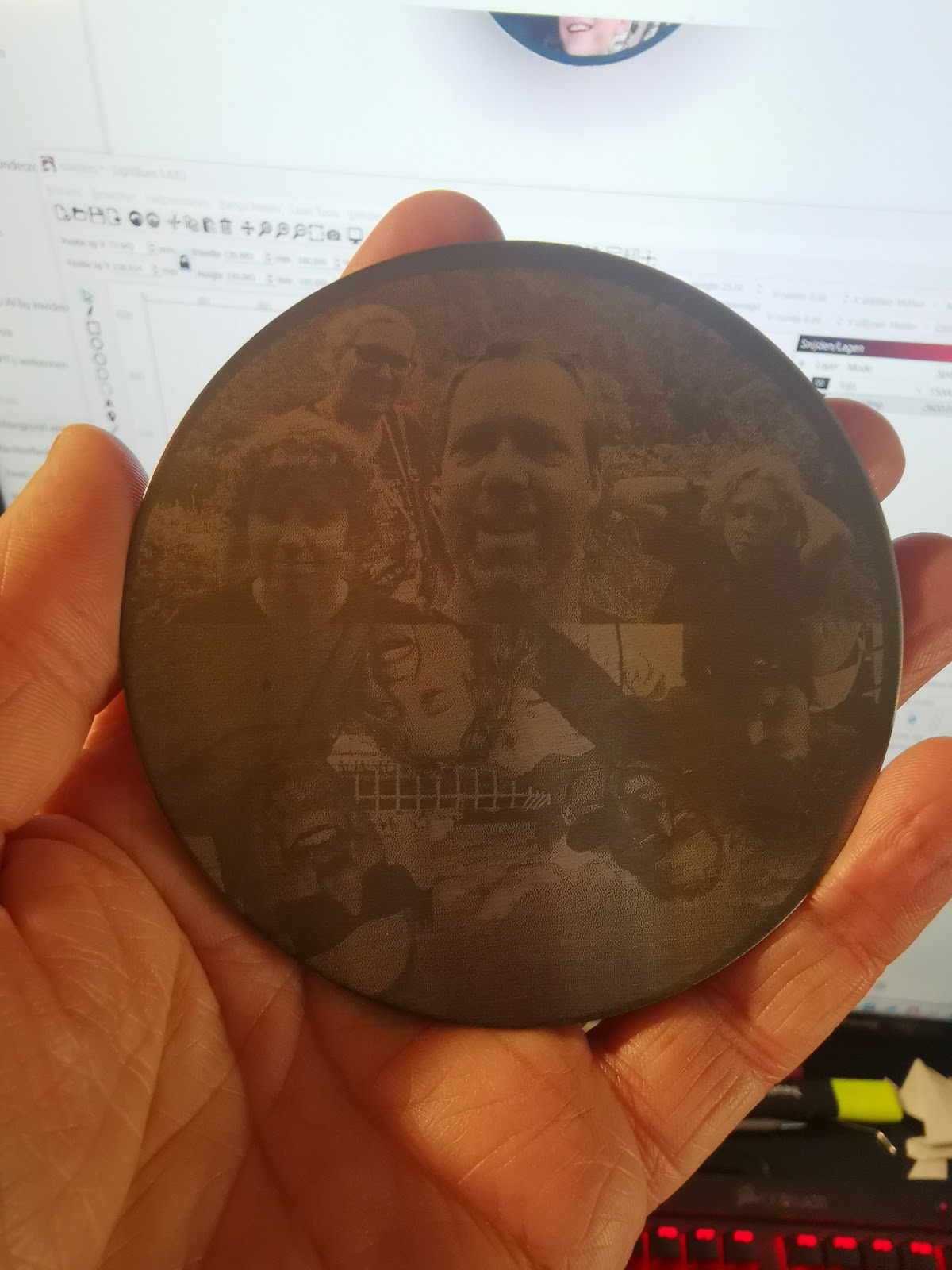
After engraving, remove the coaster from the jig. Wipe the surface clean with a dry cloth. The engraving is permanent and water-resistant. A set of personalised coasters is a gift that always goes down well — and one you can make in under an hour per piece.
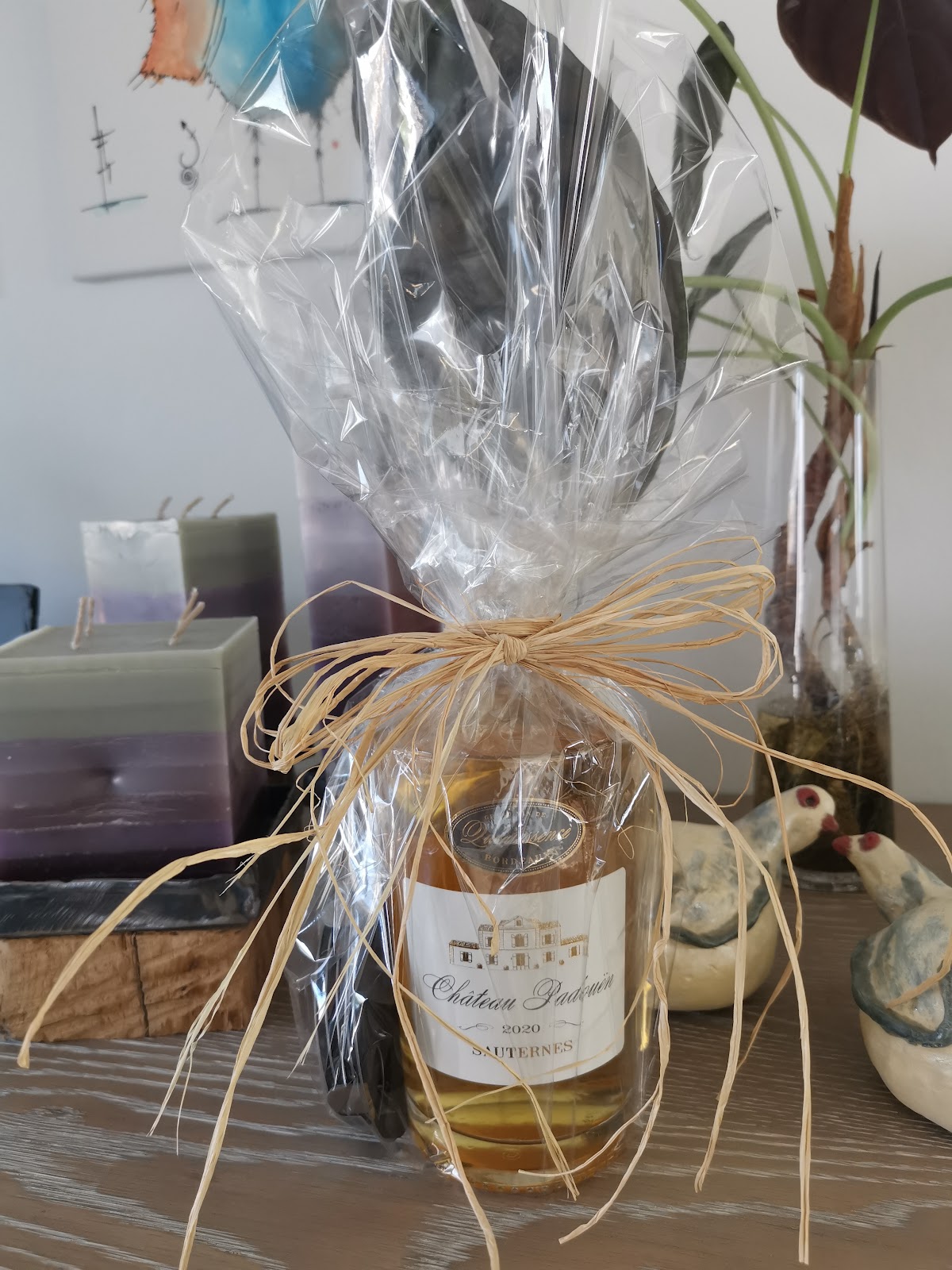
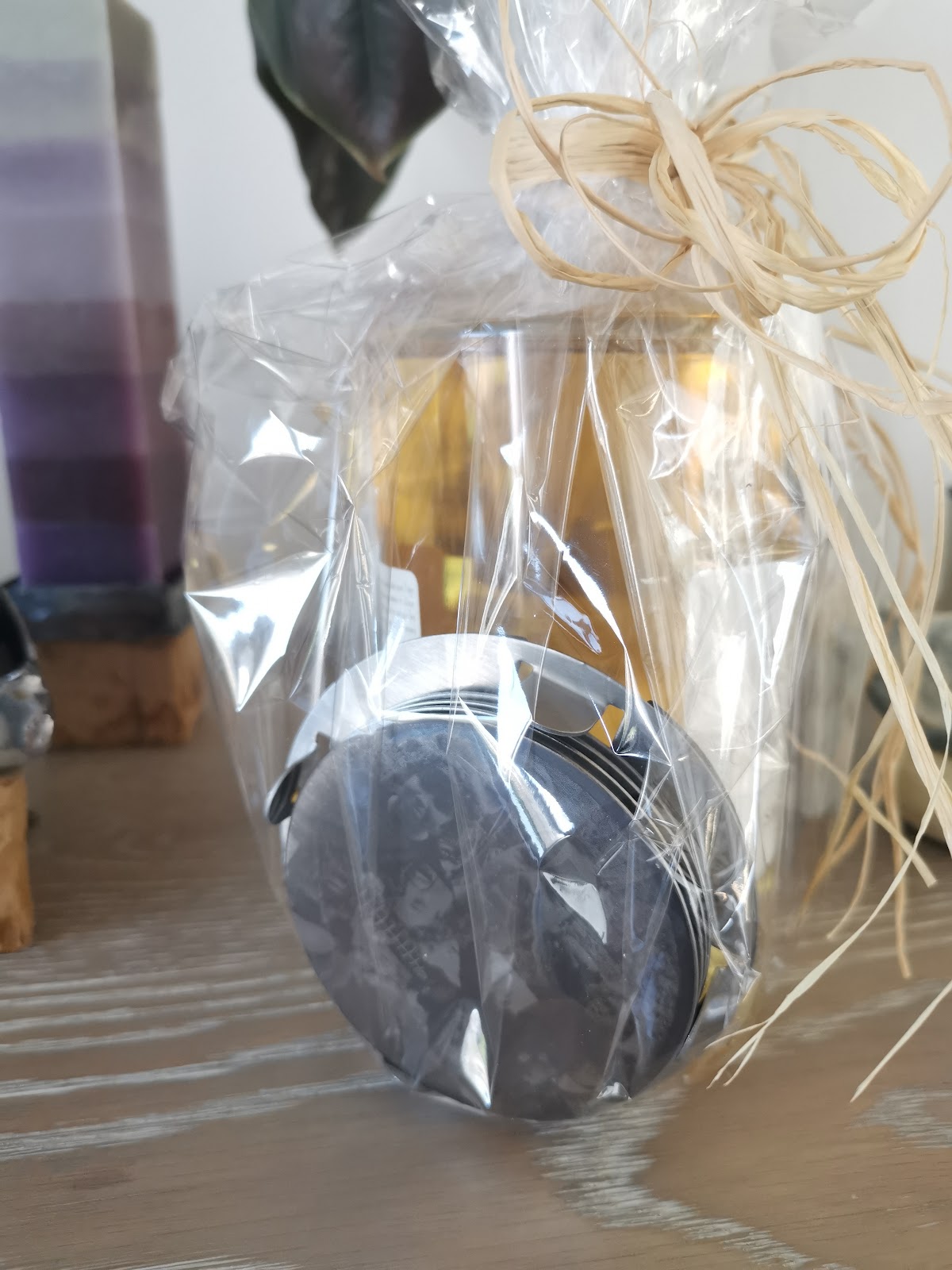
Wrapped as a gift
Wrap the coasters in a piece of cellophane, add a bottle of wine or something else nice and tie it all off with a raffia bow. This turns a laser engraving into a complete and unforgettable gift.
Materials
| Material | DE | BE |
|---|---|---|
| Stainless steel coasters (set) | shop link (DE) | shop link (BE) |
| Laser engraver: Sculpfun S30 Pro Max 20W | shop link (DE) | shop link (BE) |
| Alternative: Sculpfun S30 10W | shop link (DE) | shop link (BE) |
| Laser safety enclosure (Sculpfun setup) | shop link | shop link |
📖 Also read: Sculpfun S30 Pro Max 20W review: what to expect (incl. 10W vs 20W) — the machine I used to make all these gifts.