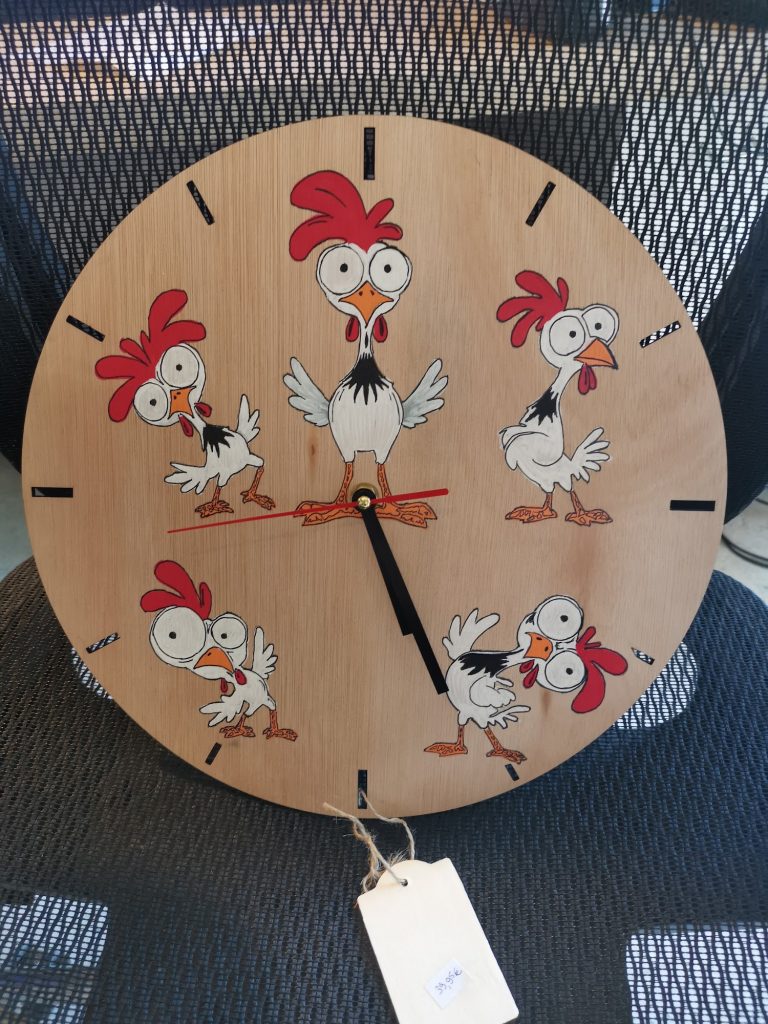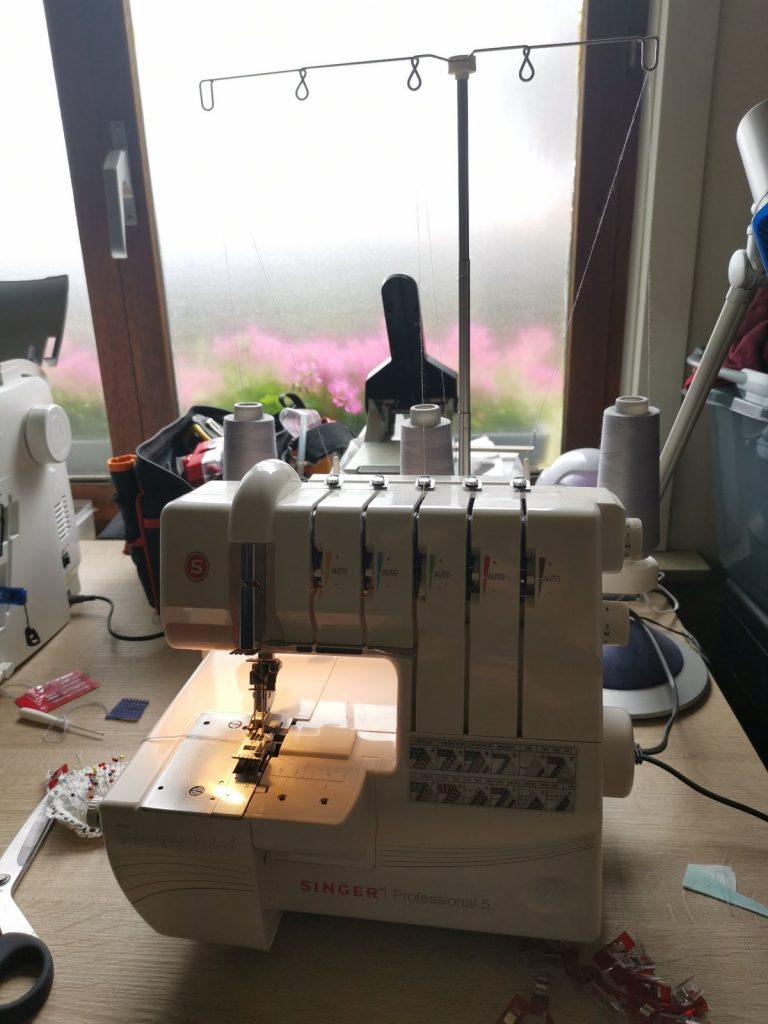
Like many creative people, I sometimes dream out loud about expanding my collection of machines. It is already quite well stocked: a sewing machine, embroidery machine, Silhouette Cameo cutting plotter, overlocker, coverstitch machine and my Sculpfun laser. I have used them to make things such as personalised gifts and engraved coasters.
My heat press urgently needs replacing too. That made me wonder which new machine would genuinely expand what I can make. Two options ended up on my wish list: the xTool O1 Omni for full-colour printing and the xTool F2 Ultra UV for extremely fine laser engraving on materials including glass, crystal and plastic. For more extensive metal work, I also looked at the F2 Ultra MOPA+UV bundles.
An important correction first: the O1 Omni does not replace a heat press. DTF requires heat and pressure to apply the transfer. For DTG, xTool also recommends pre-pressing the fabric and curing the ink afterwards with a heat press. If I choose the O1, I will therefore still need to replace my old heat press.
I have not tested these machines myself. This is not a review, but a wish list and comparison based on the official xTool product pages, manuals and European online store, checked on 25 October 2026. Online prices and promotions change regularly and may depend on VAT and the delivery address.
xTool O1 Omni: what does each version do?
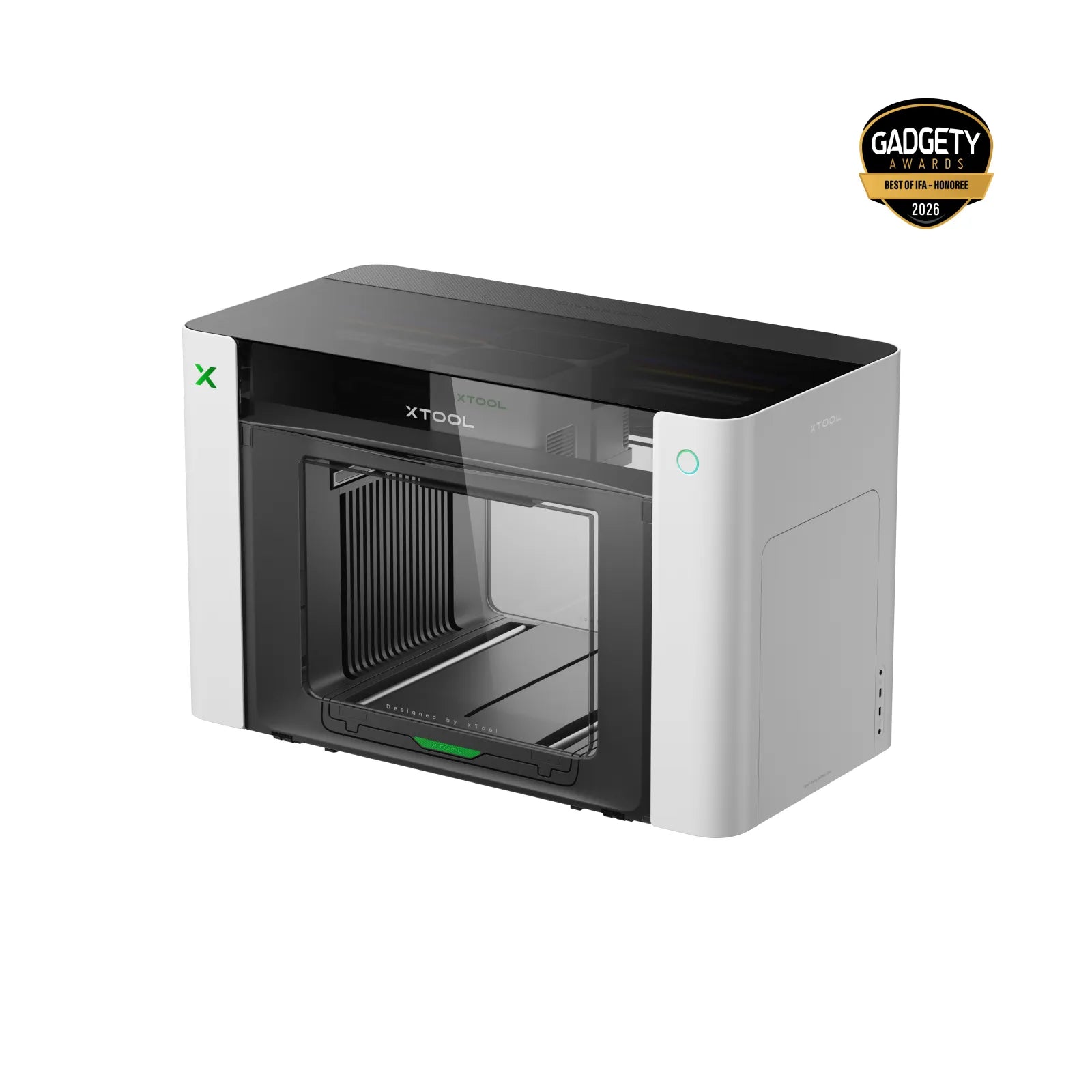
Cover image: xTool — view the official O1 Omni product page.
xTool calls the O1 Omni a 4-in-1 printer, but its capabilities depend heavily on the version you choose. Only the UV+DT version combines direct UV printing with DTG and DTF for textiles. Every version can create UV-DTF transfers, but this requires the separate LM1 laminator.
| Version | Direct printing | What is missing? |
|---|---|---|
| Single UV | Rigid materials such as acrylic, wood, metal, glass and ceramic | No DTG or DTF for textiles; no fluorescent inks |
| Dual UV | Rigid and some flexible materials, with flexible white and fluorescent ink | No DTG or DTF for textiles |
| UV+DT | Rigid materials plus DTG and DTF for fabrics including cotton and polyester | No fluorescent inks; textiles still require a heat press |
For my plan to print T-shirts, only the UV+DT version is therefore relevant. The Single UV and Dual UV are interesting UV printers, but they do not replace a garment printer.
Main official specifications
| Feature | Specification |
|---|---|
| Printing area | 330 × 122 mm on the small platen; 330 × 420 mm on the large platen |
| DTG garment platen | 300 × 390 mm, available only with the UV+DT version |
| Print resolution | 720 × 1440 dpi |
| Positioning accuracy | ± 0.2 mm according to xTool |
| Relief printing | Printed layers up to 7 mm high |
| Dimensions | 714 × 374 × 468.5 mm, excluding additional platens and accessories |
| Weight | 40.6 kg for Single UV; 41.12 kg for Dual UV and UV+DT |
| Maintenance | Automatic white-ink stirring and circulation, plus printhead protection; periodic maintenance is still required |
Price check on 25 October 2026
The official European online store displayed the following prices for the standalone machines, without a rotary, laminator or other bundle accessories:
| Version | Displayed online price |
|---|---|
| Single UV Standalone | €2,419.00 |
| Dual UV Standalone | €3,225.65 |
| UV+DT Standalone | €3,326.50 |
These figures are clearly higher than the earlier prices in my draft. For T-shirts, I also need to budget for a new heat press, textile ink, DTF film, powder and possible pretreatment. UV-DTF and foil effects require additional accessories and materials.
What appeals to me?
- With the right version, one printer can personalise both rigid objects and textiles.
- Full-colour UV printing creates possibilities for wood, acrylic, glass, metal, ceramic and resin projects.
- The UV+DT version combines DTG and DTF with direct UV printing.
- Positioning, white-ink circulation and automatic maintenance features take care of part of the setup work.
- Relief printing, varnish layers and foil effects can give projects a more luxurious finish.
What do I need to consider?
- The three versions are built differently at the factory and cannot later be converted into another version.
- At more than 40 kg and 71.4 cm wide, this is not a small hobby machine; platens, a laminator, rotary and heat press require additional space.
- White ink and printheads remain maintenance-sensitive, even with automatic circulation and humidification.
- UV-DTF requires a laminator. DTF and DTG still require a heat press.
- Adhesion varies by surface; cleaning, pretreatment or primer may be necessary.
- Ink, film, powder, varnish, primer and maintenance parts create recurring costs.
xTool F2 Ultra UV: much more than glass alone
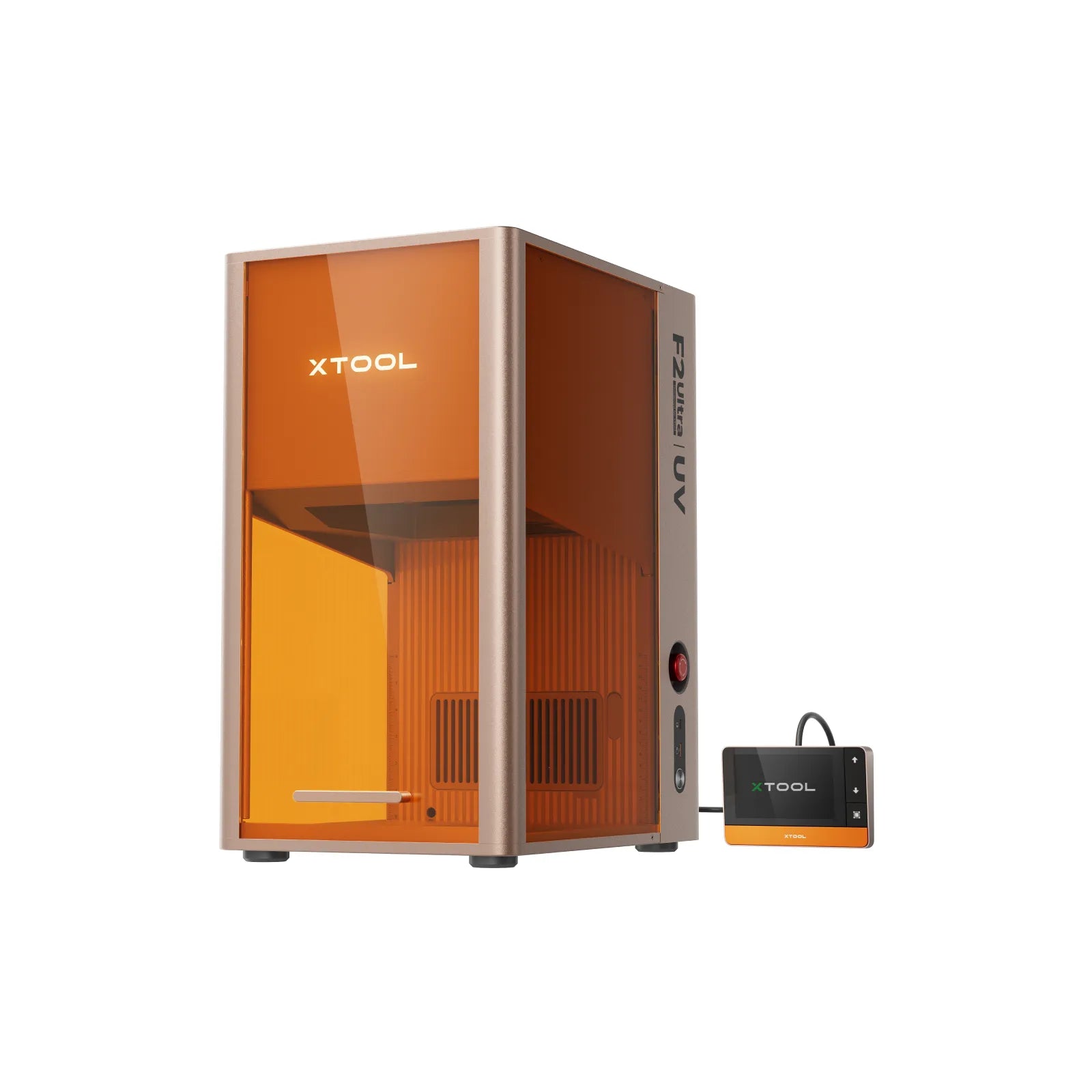
The F2 Ultra UV uses a 5W UV laser with a wavelength of 355 nm. This allows it to produce extremely fine marks with little heat impact. xTool lists glass, crystal, acrylic, wood, metal, leather, plastic, rubber, silicone and ceramic among the materials it can engrave.
My earlier text was too restrictive here: the standalone F2 Ultra UV can indeed mark and engrave metal. What it cannot do is cut metal. For deeper metal engraving, relief work, extensive colour marking and cutting thin metal, the 60W MOPA laser in the standard F2 Ultra is the more suitable machine.
| Feature | xTool F2 Ultra UV |
|---|---|
| Laser | 5W UV, 355 nm |
| Surface working area | 200 × 200 mm; up to 200 × 500 mm with the conveyor |
| Internal glass engraving area | 70 × 70 mm |
| Maximum speed | 15,000 mm/s according to xTool |
| Positioning | Dual 48MP cameras, autofocus and LiDAR |
| Dimensions and weight | 294 × 429 × 520 mm; 22.5 kg |
| Laser safety class | Class 4 laser |
| Standalone price on 25 October 2026 | €4,334.83 |
| Deluxe Bundle on 25 October 2026 | €6,079.25 |
F2 Ultra MOPA+UV: two machines, not one combination laser
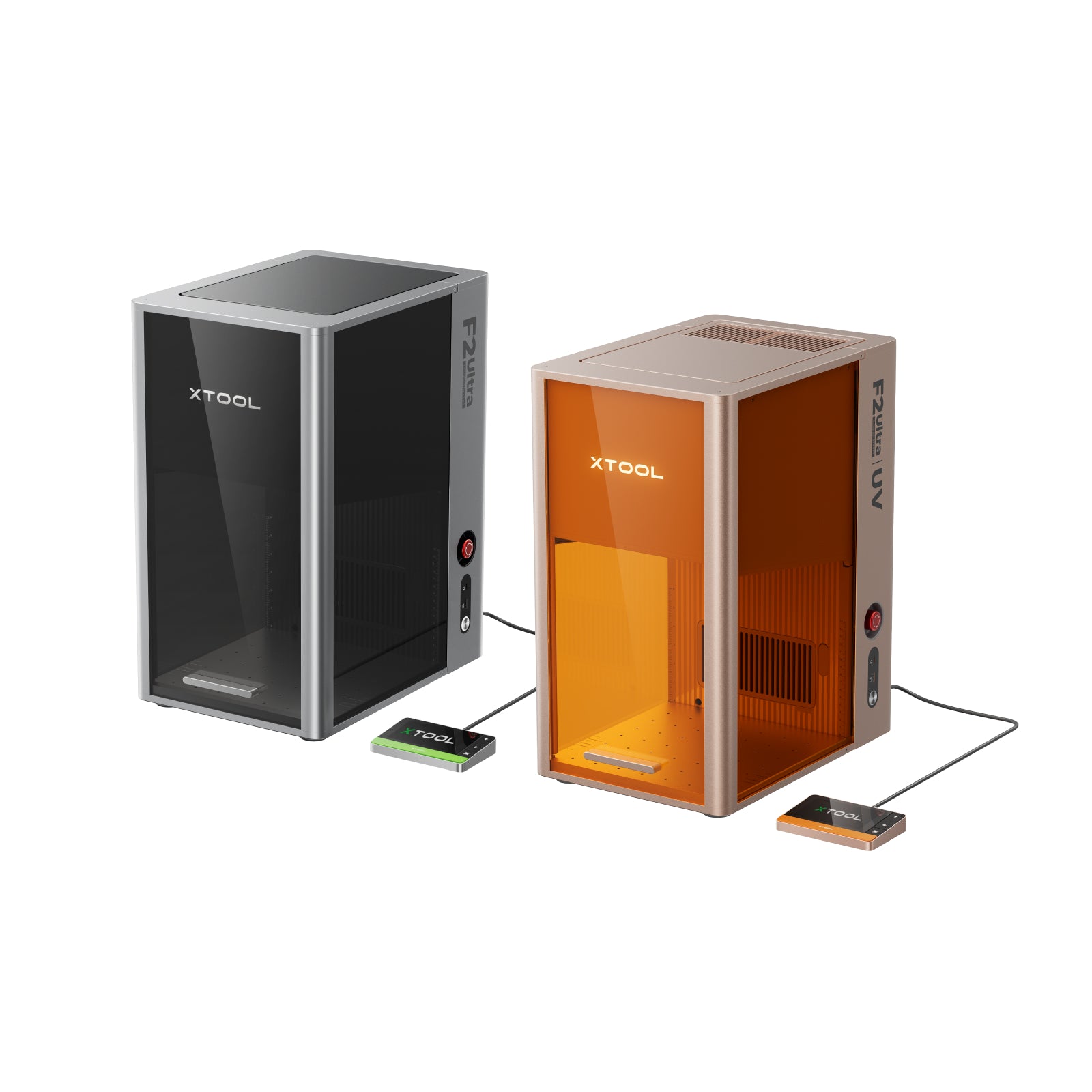
The name “MOPA+UV Duo” may suggest that both laser sources are housed in a single enclosure. In reality, xTool sells a bundle of two separate machines: an F2 Ultra for metal and an F2 Ultra UV for glass, crystal and fine UV work.
In the “F2 Ultra Single”, the F2 Ultra contains one 60W MOPA laser. The “F2 Ultra Dual” adds a 40W diode laser to that same F2 Ultra. In both bundles, the F2 Ultra UV remains a second, separate machine. The MOPA laser is intended for deeper metal engraving, relief work, extensive colour marking and, according to xTool, cutting thin metal.
| Bundle | Contents | Displayed price on 25 October 2026 |
|---|---|---|
| MOPA+UV Productive Bundle | F2 Ultra Single with 60W MOPA + separate F2 Ultra UV | €8,700.90 |
| MOPA+UV All-in-one Bundle | The same two machines with more accessories | €9,709.25 |
| Dual+UV Productive Bundle | F2 Ultra Dual with 60W MOPA and 40W diode + separate F2 Ultra UV | €10,132.75 |
| Dual+UV All-in-one Bundle | The same two machines with more accessories | €11,050.33 |
Safety is part of the investment: the F2 Ultra UV is a Class 4 laser. A fixed, controlled workspace, suitable extraction, appropriate protection and compliance with the official safety instructions are not optional extras.
What would my wish list really cost?
| Scenario | Machines | Price indication |
|---|---|---|
| Full colour on rigid materials | O1 Omni Single UV | €2,419.00 |
| Rigid materials and clothing | O1 Omni UV+DT | €3,326.50 plus heat press and consumables |
| Clothing, rigid materials and fine UV laser work | O1 Omni UV+DT + F2 Ultra UV Standalone | €7,661.33 plus heat press and consumables |
| Plus advanced MOPA metal work | O1 Omni UV+DT + MOPA+UV Productive Bundle | €12,027.40 plus heat press, safety equipment and consumables |
These are snapshots of the displayed European online prices, not complete project budgets. Shipping, VAT adjustments, inks, maintenance, primer, film, powder, a laminator, rotary, conveyor, extraction and a heat press can increase the total considerably.
Is it worth saving up for?
The O1 Omni remains the easiest machine for me to connect to the things I already make. For T-shirts, however, I need the UV+DT version, and at €3,326.50 it is more expensive than I first thought. Because the O1 does not replace my worn-out heat press, I also need to add that cost. On the other hand, it would let me personalise not only clothing but also wood, acrylic, glass, metal and other rigid objects in full colour.
The F2 Ultra UV has become more interesting now that it is clear it can handle not only glass and crystal, but also extremely fine markings on metal and many other materials. For someone who mainly wants to make jewellery, work with transparent materials and plastics, or create detailed engravings, the standalone UV machine could already add a great deal without immediately buying a MOPA bundle.
The MOPA+UV bundle remains a business investment. It consists of two machines, requires two work areas and, together with the O1, brings the total investment to more than €12,000 before accessories and consumables. For me, it would first need to pay for itself through orders or an online shop.
My logical order would therefore be: first replace my heat press and decide exactly which printing technique I truly need; then perhaps buy the O1 Omni UV+DT; and only invest in the F2 Ultra UV or a MOPA+UV setup once there is enough demand for glass, crystal or metal work.
Official sources
- xTool O1 Omni: product information and specifications
- xTool O1 Omni: official manual
- xTool O1 Omni: official FAQ about UV, DTG, DTF and UV-DTF
- xTool F2 Ultra UV: product information and specifications
- xTool F2 Ultra UV: official user guide
- xTool F2 Ultra MOPA+UV: official bundle page
You may also like
- Sculpfun S30 Pro Max 20W review: what to expect (incl. 10W vs 20W)
- Quick personalised laser engraved gifts: photo engraving on stainless steel coasters
- Personalised laser engraved gifts part 2: bracelets, pendants, bamboo and more
A question about this project?
Een vraag over dit project of jouw resultaat delen? Neem contact op.
Send Creadeliefje a message